

type parameter — used on product pages and checkout pages alike.
This page covers everything you need to integrate: surfaces, initialization, configuration, do/don’t guidance, and CSP.
Available surfaces
Product page preview
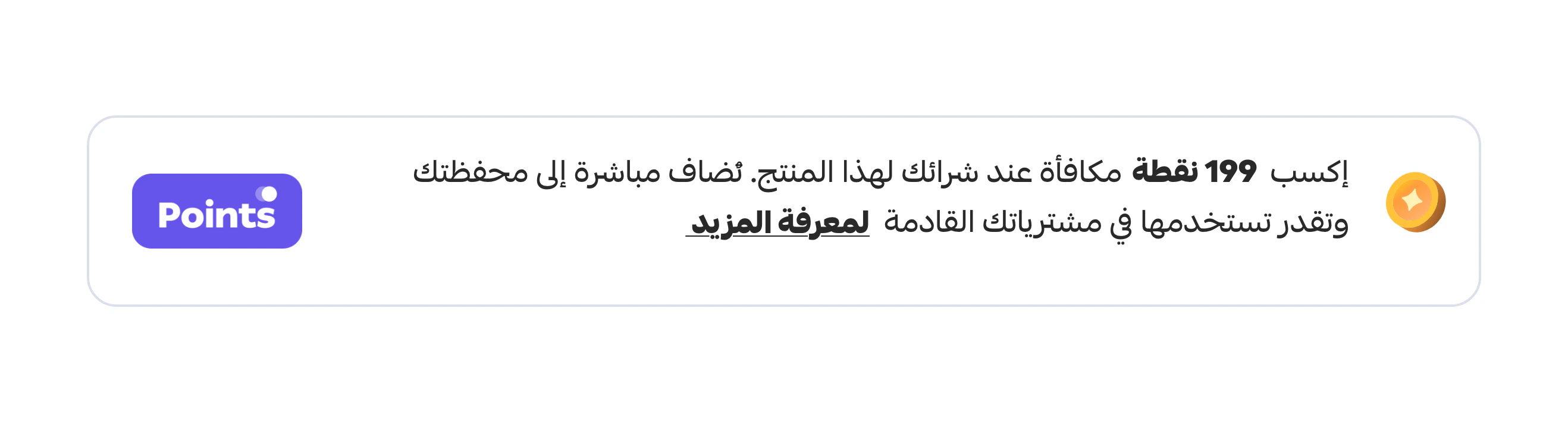
points-card is clicked, it can open a richer parent-page modal:
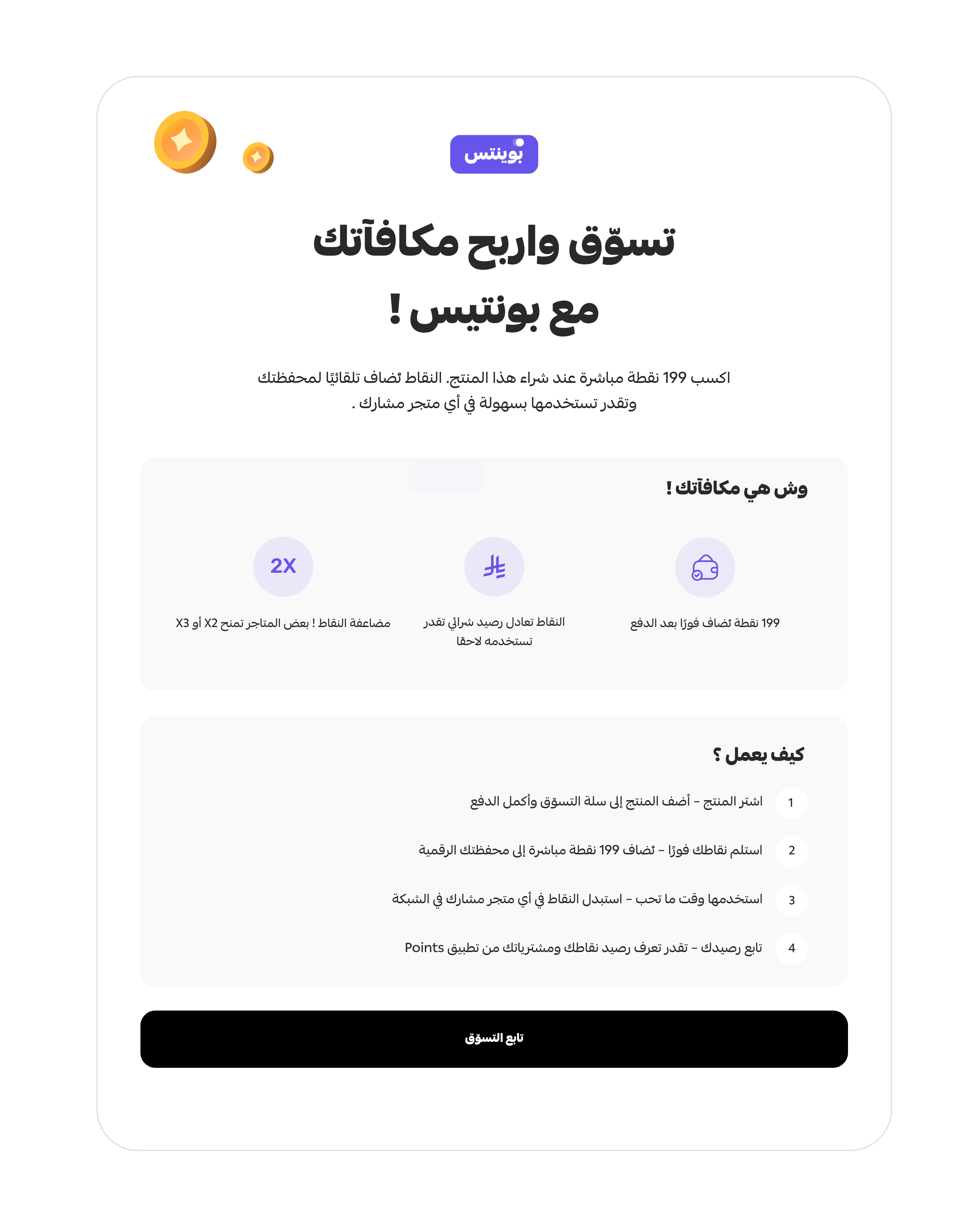
Checkout page preview

Script source
Use the current loader on every surface:Quick start — product page
Quick start — checkout
Configuration
All surfaces share the sameinit() options. Only the type value differs.
string
required
One of
points-alert, points-card (product surfaces), or installments (checkout surface).string
default:"ar"
ar for Arabic storefronts (default), en for English.number
default:"0"
Numeric points value rendered by the promo widgets (
points-alert / points-card). Ignored by installments.string | HTMLElement
required
Target container selector or DOM element where the iframe wrapper will be mounted.
string
Used by the
installments flow when continuing shopping outside mobile webviews.string
Optional widget base URL. If omitted, the loader infers it from the script source.
string
Optional
postMessage origin override. Auto-detected when omitted.Variants explained
points-alert
points-alert
A compact inline message. In the current implementation it can be dismissed and does not open a modal.
points-card
points-card
A richer promotional card that can open a parent-page popup with more detail.
installments
installments
Checkout-stage promotional banner. Honors
callbackUrl for the “continue shopping” action on mobile webviews.Auto-init from script attributes
The loader also supports data-attribute initialization, useful when you cannot run inline JS:Cleanup
The loader exposes adestroy() method for SPAs re-rendering containers:
Implementation guidelines
Product surfaces
Do:- Place
points-alertorpoints-carddirectly below the product price or close to the primary buy CTA. - Use
lang: 'ar'on Arabic pages,lang: 'en'on English pages. - Leave enough vertical space for the preset iframe height.
- Test click behavior for
points-cardso the parent modal is not blocked by other overlays.
- Do not expect
points-alertto open a modal — it’s dismissible by design. - Do not initialize the widget before its container exists in the DOM.
- Do not hard-code a container height lower than the widget’s preset height.
Checkout surface
Do:- Use
installmentsfor the current checkout-stage implementation. - Place it before payment or decision-critical content.
- Verify
callbackUrlbehavior in your real checkout flow.
- Do not ship unsupported callbacks (e.g.
onRedeem()) — they don’t exist in the current loader. - Do not assume widget behavior from generic BNPL docs; validate against the real loader.
Content Security Policy
If your storefront uses CSP, allow the widget origin and iframe endpoints:/widget/embed and /widget/modal, including CSP, X-Content-Type-Options, X-XSS-Protection, and Referrer-Policy.
What is not currently supported
To set expectations honestly — these are not part of today’s loader:- theme switching API
- size variants as public config
- CSS variable API
- a dedicated checkout redemption callback
- separate widget SDK classes such as
PointsProductWidgetorPointsCheckoutWidget
Current loader behavior worth testing
- iframe renders with a skeleton loader first
- height changes are driven by
postMessageresize events - modal content opens in the parent page for
points-card destroy()removes the wrapper and unregisters the message listener- auto-init is supported through script
data-*attributes
Pre-launch checks
- Widget script loads from the intended environment
typematches the actual surface (points-alert,points-card, orinstallments)- Arabic pages render RTL correctly
- Modal works on mobile and desktop
- CSP does not block fonts, images, iframe, or script loading
- Checkout-stage widget uses a valid
callbackUrlwhen needed
Troubleshooting
points-alert disappears on click
points-alert disappears on click
Expected behavior. The current implementation is intentionally dismissible and does not open a modal.
Modal does not open for points-card
Modal does not open for points-card
Confirm your page allows the parent modal to render and that
/widget/modal is reachable from the widget origin.Widget never renders
Widget never renders
Check that the container exists at init time and that no CSP rule is blocking the script or iframe origin.
Next
Widget Playground
Live, editable preview to try the loader before integrating.